Search for “Critters and Companions mod Minecraft PE” and you’ll find a lot of confusing results. Here’s the straight answer and what you can actually do on mobile and consoles.
The short answer
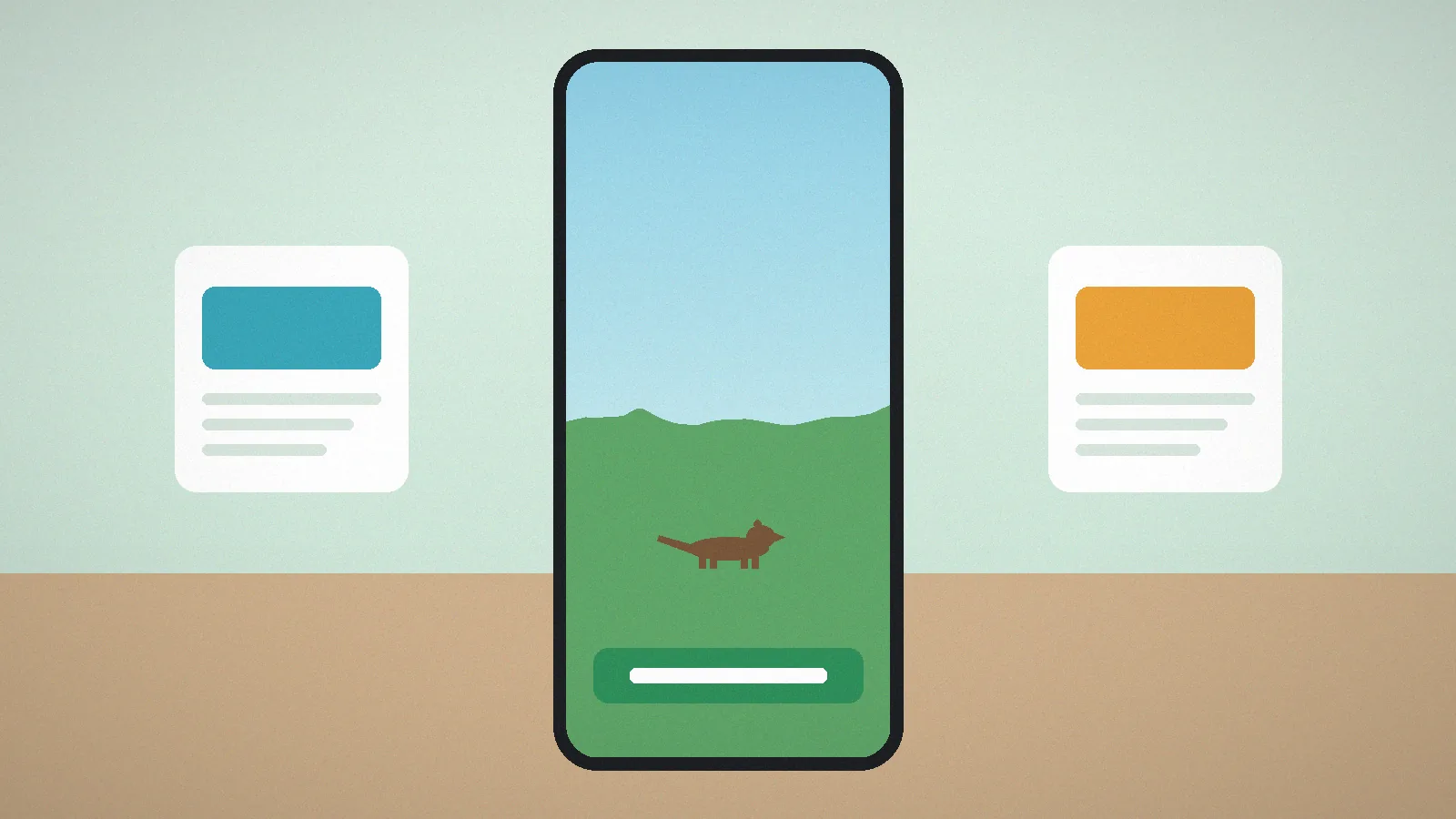
The official Critters and Companions mod is made for Minecraft: Java Edition only. Minecraft on phones, tablets, consoles and the Windows Microsoft Store version is Bedrock Edition, which can’t load Java mods. The two editions use completely different code.
What about Bedrock add-ons?
Bedrock supports add-ons: behaviour packs and resource packs that add or change mobs. Community creators have made add-ons inspired by Critters and Companions. These are separate projects by other people. They may look similar but they aren’t made or supported by the original developer, and their features differ.

How to install a Bedrock add-on safely
- Use the in-game Marketplace or a creator you trust with a clear history and reviews.
- Download only
.mcaddon,.mcpackor.mcworldfiles. Never install an.apkthat claims to “add mods”. - Tap the file and choose Open in Minecraft to import it.
- Create a new world (or a copy of an existing one) and enable the packs under Behavior Packs and Resource Packs.
- Turn on any experimental toggles the add-on’s page says it needs.
Playing Java Edition on Android
Some players run Java Edition on Android through community launchers. These are unofficial, need you to own Java Edition, and performance varies a lot. If you try one, follow the Java steps in our install guide inside the launcher’s profile.
Best experience
For the full mod exactly as the developer made it, play Java Edition on a Windows, macOS or Linux computer. Check our version guide to pick the right Minecraft version.
Quick answer
Will the official mod come to Bedrock?
There's no official Bedrock release. Any announcement would come from the developer on the official project pages.