A dozen-plus new critters
Ferrets, otters, red pandas, dragonflies, koi, sea bunnies, leaf insects, tiny songbirds and more fill gaps in the vanilla food chain, so every biome feels inhabited.
Free mod for Minecraft: Java Edition
Download, install and tame adorable new critters in your Minecraft world
The Critters and Companions Mod adds ferrets, otters, dragonflies, koi and other charming wildlife to Minecraft, and lets you tame some of them as loyal companions. Get the official files, a 10-minute install walkthrough and fixes for common crashes in one place.
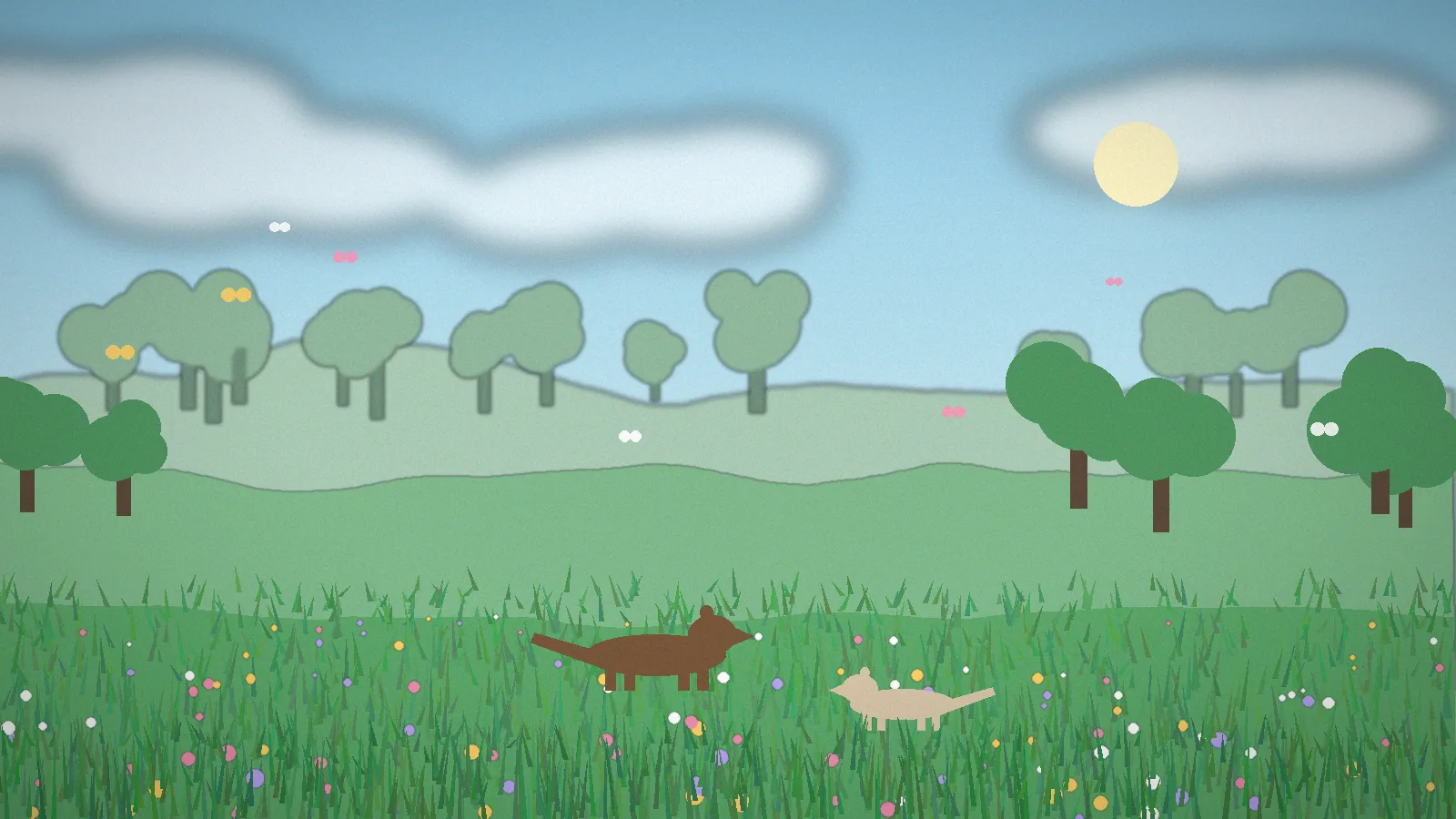
Critters and Companions is a free Minecraft: Java Edition mod that adds small, cute and lore-friendly animals to the game. Instead of monsters or bosses, it focuses on the wildlife vanilla Minecraft leaves out: ferrets you can tame, otters along riverbanks, dragonflies over ponds, koi in still water, sea bunnies on the shore and more.
The mod was created by independent developer joosh, first for Forge and later for newer loaders as Minecraft moved on. Its goal is simple: make exploring feel rewarding by giving every biome creatures that belong there, all drawn in a style that could pass for vanilla. Over successive updates the roster has grown, and features like taming and ambient behaviours have been refined.
It suits survival players who want livelier worlds, builders who want animals for gardens and aquariums, parents playing with younger kids, and modpack makers building cozy or exploration packs. If you want heavy combat or new dimensions, you will want to pair it with other mods; see our comparison.
Everything the mod adds, and why it makes your world better to explore.
Ferrets, otters, red pandas, dragonflies, koi, sea bunnies, leaf insects, tiny songbirds and more fill gaps in the vanilla food chain, so every biome feels inhabited.
Win over a ferret or other tameable critter with the right food, then have it follow you, sit on command and keep you company on long survival runs.
Each creature appears where it belongs: dragonflies over rivers and swamps, koi in calm water, birds in snowy groves. Exploring pays off with new sightings.
Smooth idle, swim, flutter and sleep animations give each critter personality without breaking Minecraft's blocky art style.
Aquatic life such as koi, otters and sea bunnies makes shorelines and ponds worth building around, and gives aquarium builders new residents.
Server owners and modpack makers can adjust spawn behaviour through the mod's config file to balance performance and density.
Small critters use simple AI and modest models, so the mod adds life to your world without the frame-rate hit of heavy mob overhauls.
Install it on both the server and each client and everyone sees the same critters, tamed pets included, on shared survival worlds.
Plays well alongside popular content and performance mods, which is why it shows up in cozy and exploration-focused modpacks.
The mod itself is tiny. These figures are for running modded Minecraft: Java Edition comfortably with it installed.
| Component | Minimum | Recommended |
|---|---|---|
| Operating system | Windows 10, macOS 12, modern 64-bit Linux | Windows 11, macOS 14+, Ubuntu 22.04+ |
| CPU | Intel Core i3 (6th gen) / AMD Ryzen 3 | Intel Core i5 (10th gen) / AMD Ryzen 5 or Apple M1+ |
| RAM (system) | 4 GB (2 GB allocated to Minecraft) | 8–16 GB (4–6 GB allocated) |
| GPU | Integrated graphics with OpenGL 3.3+ | GTX 1060 / RX 580 or newer |
| Storage | 1 GB free (game + loader + mod) | 4 GB+ SSD for modpacks and backups |
| Java | Bundled with the Minecraft Launcher | Java 17 for 1.20.1, Java 21 for 1.21.x |
| Internet | Only to download files and log in | Broadband for multiplayer servers |
We link straight to the author’s official pages, so you always get the genuine, latest file and the developer gets credit for every download.

Latest release for Minecraft: Java Edition
Both buttons open the official project page in a new tab. Pick the file that matches your Minecraft version and loader.
.jar. Never run an .exe claiming to be this mod.Compare the hash of your downloaded file with the one shown in the file details on the official page:
# Windows (PowerShell)
Get-FileHash .\crittersandcompanions-*.jar -Algorithm SHA256
# macOS
shasum -a 256 crittersandcompanions-*.jar
# Linux
sha256sum crittersandcompanions-*.jarModrinth works as the official mirror when CurseForge is slow or blocked in your region. Launchers like Prism Launcher and the CurseForge app can also install it directly from those sources.
Choose your platform. The whole process takes about ten minutes on a computer. Want screenshots of every step? Read the full install guide.
%appdata%\.minecraft and open the mods folder..jar file into mods.~/Library/Application Support/minecraft/mods..jar file into the folder.java -jar neoforge-*-installer.jar and choose Install client.cp crittersandcompanions-*.jar ~/.minecraft/mods/.jar in that profile’s mods folder using the launcher’s file manager..mcaddon or .mcpack file and choose Open in Minecraft to import it.Critters and Companions works the moment it is installed. These tips help you find, tame and enjoy every creature.
config/ in your instance to adjust spawn settings for servers or modpacks.These are standard Minecraft: Java Edition controls that are especially useful while playing with the mod.
| Keys | What it does |
|---|---|
| F3 | Debug screen with coordinates and current biome |
| F3 + B | Show hitboxes, useful for spotting tiny critters |
| F1 | Hide the HUD for screenshots |
| F2 | Take a screenshot |
| F5 | Switch camera perspective |
| Shift (hold) | Sneak; approach shy animals slowly |
| Right-click | Feed, tame, or toggle sit on a tamed companion |
| F3 + T | Reload resource packs after changing textures |
What happens between clicking Play and meeting your first ferret.
When you launch the NeoForge or Forge profile, the loader scans your mods folder and loads the Critters and Companions .jar.
The mod registers its creatures, spawn eggs, items, sounds and animations with the game.
As chunks generate and load, each critter spawns in biomes that suit it, following its spawn rules and config.
Critters wander, swim, fly, sleep or flee using lightweight AI goals tuned to each animal.
When you tame a companion, its owner and state are saved with the world, just like a vanilla wolf or cat.
Where the mod runs, and what it works with.
| Category | Supported | Notes |
|---|---|---|
| Operating systems | Windows, macOS, Linux | Any OS that runs Minecraft: Java Edition |
| Minecraft editions | Java Edition Bedrock / PE | Bedrock versions are unofficial third-party add-ons |
| Game versions | 1.20.1 1.21.x | Check each file for exact supported versions |
| Mod loaders | NeoForge Forge | Loader depends on the Minecraft version |
| Launchers | Official, CurseForge app, Prism, Modrinth app | Prism and Modrinth app can install it directly |
| Devices | PC, Mac, Linux laptops Android (unofficial launchers) | Consoles and iOS are not supported |
| Browsers (this site) | Chrome, Edge, Firefox, Safari | For downloading only; the mod runs in the game |
| Integrations | JEI/EMI, Jade, shaders via Iris/Oculus | Performance mods like Embeddium or ModernFix usually work well |
An honest look after testing it in survival, creative and on a small server.
Learn how ecosystems and habitats work by observing where different animals live, or study how a Java mod is structured.
Make long survival runs more rewarding with new animals to discover and companions to keep.
A clean example of a small, focused content mod to learn from when building your own mobs.
Server owners and modpack studios can add atmosphere to community servers with minimal performance cost.
Useful in studies of player behaviour, game design or modding communities as a well-loved, popular content mod.
New creatures and taming moments give let's plays and shorts fresh, shareable storylines.
A look at the kinds of scenes the mod brings to your world. Click any image to enlarge it.
Most issues come down to versions. Start here, then read the full troubleshooting guide for crash-log walkthroughs.
| Error | Likely cause | Fix |
|---|---|---|
| Game crashes on startup | Your mod, loader and Minecraft versions don't match. | Re-download the file built for your exact Minecraft version and install the loader version it lists. |
| “Mod requires a different loader” | A Forge/NeoForge file is being loaded by a different loader. | Use the loader named on the official file, or pick the file for your loader. |
| Duplicate mods error | Two versions of the mod are in the mods folder. | Delete the older .jar, keep one version only. |
| Can't join a server | Client and server have different mod versions. | Install the exact version the server uses; the error lists the mismatch. |
| No critters spawning | You are in old chunks or the wrong biomes. | Explore new areas near water and forests, or check spawn settings in the config. |
| Low FPS after installing mods | Too little RAM allocated or a heavy modpack. | Allocate 4–6 GB in the launcher and add a performance mod. |
Is the Critters and Companions mod safe? Yes, when downloaded from official sources. Here is what it can and can’t do.
Official files are hosted by platforms that review uploads, and the mod is used by a large community of players and modpacks. Risks come from reuploads, not the mod itself.
None beyond Minecraft itself. No admin rights, no installer, no background services. It runs only while the game is open.
The mod adds creatures to your game. It doesn’t need an account of its own and isn’t designed to collect personal data. The download platforms have their own privacy policies.
Official files are served over HTTPS from platforms that scan uploads. Verify the file hash to confirm your download is untouched.
Our own site’s data practices are summarised in the privacy policy and cookie policy.
How Critters and Companions compares with other popular creature mods. Ratings are our editorial scores. For a deeper look, read Critters and Companions vs alternatives.
| Mod | Price | License | OS support | Features | Rating | Pros | Cons |
|---|---|---|---|---|---|---|---|
| Critters and Companions | Free | Author-owned, free download | Win / macOS / Linux (Java) | Cute ambient critters, tameable ferret, koi, dragonflies | Vanilla-style, lightweight | Smaller roster, Java only | |
| Alex's Mobs | Free | Author-owned, free download | Win / macOS / Linux (Java) | 90+ real and fantasy creatures, new items | Huge variety | Heavier, can feel less vanilla | |
| Naturalist | Free | Author-owned, free download | Win / macOS / Linux (Java) | Realistic wildlife, predator and prey behaviour | Realistic ecosystems | Fewer tameables | |
| Friends & Foes | Free | Author-owned, free download | Win / macOS / Linux (Java) | Mob-vote creatures like the Copper Golem and Glare | Feels like official content | Different focus, fewer critters |
Feedback from players who use the mod in different ways. Share your own review.
Survival player
I play long survival worlds and vanilla rivers always felt empty. After adding Critters and Companions I see dragonflies over the water and otters on the banks. My tamed ferret has followed me through three biomes now. It fits the Minecraft style perfectly.
Parent and co-player
We play together on a small family server. Taming a ferret became my daughter's whole weekend project. Setup took ten minutes with the install steps here, and the official download link meant I wasn't worried about sketchy files.
Modpack developer
I include it in a cozy exploration pack of around 120 mods. It is light on performance, the config lets me tune spawns, and players constantly post screenshots of their companions. It's one of the first mods I recommend for atmosphere.
Builder and screenshot artist
I build Japanese-style gardens and the koi changed everything. Pairing them with lily pads and lanterns looks great in screenshots. I'd love even more decorative options, but what's there is polished and charming.
Server admin
Running it on a 20-player NeoForge server with no crashes so far. Remember that every player needs the mod installed too. Spawn density was a little high near swamps for our taste, but one config change fixed it.
Content creator
Every new critter is a mini storyline for my let's plays. Viewers love the animations, especially the dragonflies and sleepy ferrets. The mod keeps Minecraft's vibe instead of feeling like a different game.
Quick answers about downloading, taming, safety, versions and fixes.
Download it from the official CurseForge or Modrinth project pages, which we link on this page. Both platforms host the author's original files and review uploads. Avoid reupload sites that bundle installers or ask you to disable antivirus software. The mod is a single .jar file; if a download is an .exe, it is not the real mod and you should delete it.
Yes. The mod is completely free to download and play. You only need a legitimate copy of Minecraft: Java Edition and a free mod loader such as NeoForge or Forge. If any website asks you to pay for the mod, complete surveys or unlock it with a code, leave that site and use the official pages instead.
Use the loader listed on the official file for your Minecraft version. Recent builds target NeoForge or Forge depending on the game version. Install the loader version that matches your Minecraft version exactly, launch the game once to create the mods folder, then drop in the mod's .jar file. Mixing loaders, such as a Forge mod on Fabric, will crash on startup.
Install NeoForge or Forge for your Minecraft version, run it once, then press Win+R, type %appdata%\.minecraft and open the mods folder. Copy the Critters and Companions .jar file into it. Start the Minecraft Launcher, choose the loader profile and click Play. The mod appears in the Mods menu on the title screen if it loaded correctly.
Yes. Critters will begin spawning in newly generated chunks and in existing areas as mobs naturally spawn. Always back up your world folder before adding or updating any mod. If you later remove the mod, its critters and any mod items will disappear from your world, so treat tamed companions as tied to the mod being installed.
Find a wild ferret in grassy or forested biomes, hold its preferred food and approach slowly while sneaking. Right-click to feed it repeatedly until heart particles appear. A tamed ferret follows you and can be told to sit or stand by right-clicking. The exact taming food can differ between releases, so check the item tooltip or official page for your version.
Dragonflies spawn near water in warm and temperate biomes, so look along rivers, lakes, swamps and ponds during the day. They are ambient critters that hover and dart around reeds and lily pads. If you are not seeing any, explore new chunks near water, since spawning happens as the world generates and loads around you.
Ferrets are the best-known companion, and several other critters can be befriended or kept as pets depending on the version. Ambient insects like dragonflies and leaf insects are there for atmosphere rather than taming. Our mob guide lists every critter with its behaviour, and we update it after each release to reflect changes.
Yes. For servers, install the same version of the mod on the server and on every player's client. Mismatched versions cause a connection error listing the missing or different mod. Tamed companions are saved with the world like any other tamed mob, so friends see the same pets you do on a shared world.
The mod is safe when you download it from its official CurseForge or Modrinth pages. It is a standard Java mod file that runs inside Minecraft and needs no admin rights, no installer and no personal data. Most malware reports around Minecraft mods come from unofficial reupload sites, so always verify the source and file type.
Showcasing the mod in videos and streams is generally welcome. For modpacks, use the CurseForge or Modrinth modpack tools, which reference the official file instead of reuploading it. Always read the licence and permissions listed on the official project page, since the author sets the terms and they are the final word.
No. crittersandcompanionsmod.com is an independent fan site offering guides, install help and troubleshooting. We are not affiliated with the mod's author, Mojang or Microsoft. We never host modified files: every download button sends you to the official project pages so the author gets credit for each download.
The official Critters and Companions mod is built for Minecraft: Java Edition and does not run on Bedrock, Pocket Edition, consoles or iOS. You may find community-made Bedrock add-ons inspired by it, but they are separate projects with different creators and features. Only install add-ons from sources you trust and read our Bedrock guide first.
Support follows the game's major versions, and each file on the official page lists the exact Minecraft versions it supports. Filter by your game version before downloading. If 1.21.11 is not listed yet, play on the newest supported version or wait for an update, because forcing a mismatched version usually crashes on launch.
Download the new .jar file from the official page, delete the old Critters and Companions file from your mods folder and add the new one. Keep only one version in the folder. Back up your world first and read the changelog, since updates can change spawns, items or taming behaviour. Update your mod loader too if the new file requires it.
Most crashes come from a version mismatch between Minecraft, the mod loader and the mod, a missing dependency, or two copies of the mod in the folder. Open the latest crash report in the crash-reports folder and check the first lines. Our troubleshooting guide walks through each common error and its fix step by step.
Alex's Mobs, Naturalist and Friends & Foes are popular choices. Alex's Mobs adds a huge roster of real-world and fantasy creatures, Naturalist focuses on realistic wildlife, and Friends & Foes brings back mob-vote losers. Many players combine a few of them, so check our comparison table and test compatibility in a copy of your world.
Step-by-step guides for taming, finding critters, installing and fixing the mod.

Get the right file, install the matching loader and drop the mod into your mods folder in about ten minutes.
Where to find ferrets, how to win their trust, and how to keep your new companion safe on adventures.

A wiki-style field guide to the mod's creatures: what they do, where to find them, and which ones you can tame.

Dragonflies are some of the prettiest critters in the mod. Here's where to find them and how to build around them.

The official mod is Java-only. Here's what that means for phone, tablet and console players, and the safe alternatives.

How to pick the right file for 1.20.1 or 1.21.x, what to do when your version isn't listed, and how to update safely.

Read a crash report, fix version mismatches, solve server connection errors and bring back missing critters.

How the mod stacks up against other popular creature mods, and which ones pair well together in a modpack.
Questions about installing the mod, a guide that needs updating, or a partnership idea? We reply within two business days. For bugs in the mod itself, please use the issue tracker linked on the official project page so the developer sees it.